This article guides you through the steps to receive notifications after the candidate receives an email about their Karat’s interview. This content is intended for recruiters.
After inviting a candidate to an interview or scheduling an interview on behalf of the candidate in Karat’s Platform, you start getting notifications regarding the candidate's interview in the candidate’s Lever profile.
Notifications types
The notifications you can receive are the following related to the Karat’s interview:
- Schedule
- Rescheduled
- Cancellation
- Redos
- Interview results
Notifications from Karat in Lever
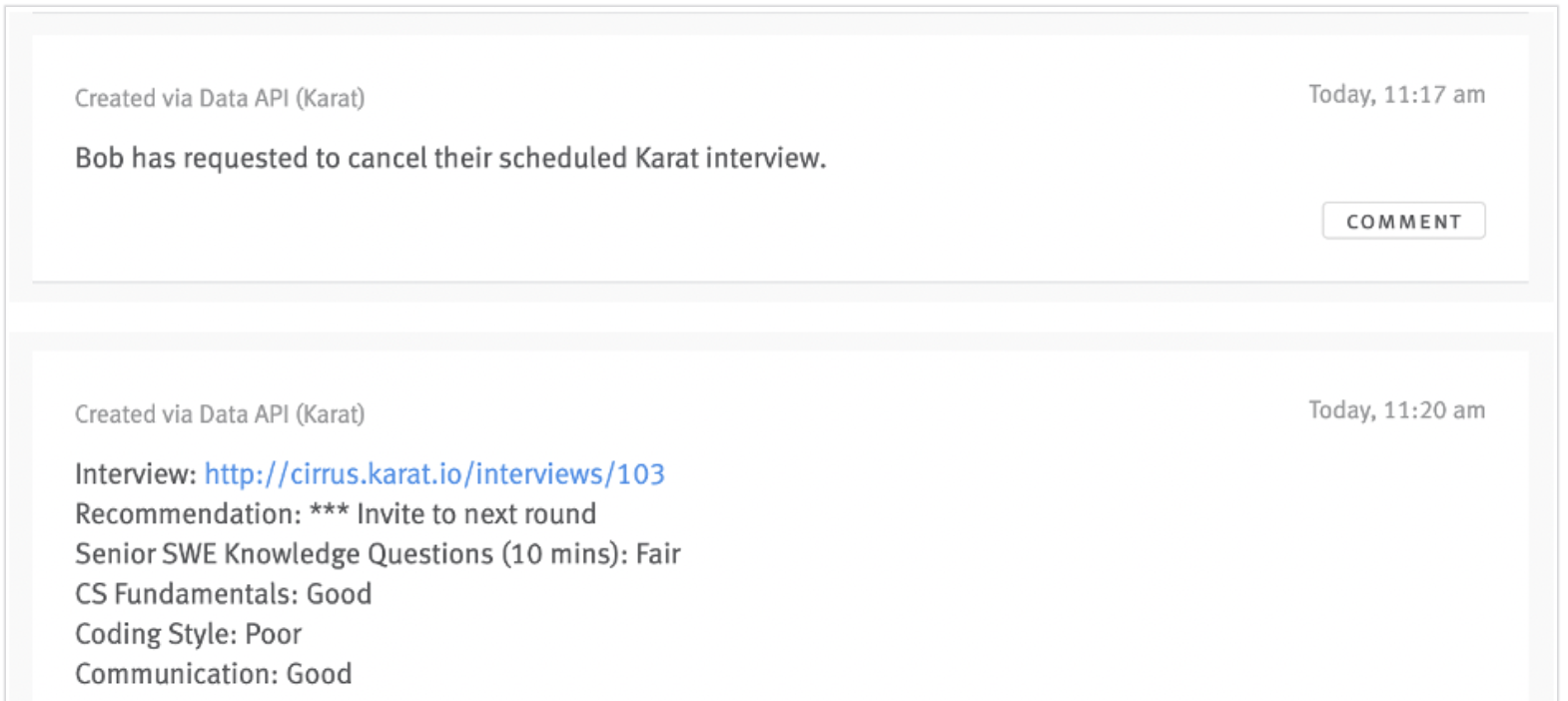
After the candidate has completed their Karat interview, you will receive notifications as notes in the candidate’s Lever Opportunity page.
Notifications troubleshooting
If you aren't getting notifications from Karat in Lever, see the following resources:
- Karat + Lever: Ensure Lever integration webhooks are enabled
- Add or change the candidate's URL
- If you want to customize your email notifications from Karat, see View and Update My Email Notification Settings.
Next steps
Explore some other steps for the Karat and Lever ATS integration in the following resources: